YIVA Digital ·
Most Chinese colour lists give you a name, a hex value and a story. The new Chinese Color Card gives you the thing those lists leave out: the source.
It is live now — free to browse, no account needed: open the Chinese Color Card (yivadigital.com/tool/chinese-color-card). And if you would rather build with it than look at it, the same library is available to machines too — a REST API and an MCP server for Claude, Cursor or Codex.
What's in it
161 traditional Chinese colours, in two systems:
- 65 classical colour names — 绛, 朱砂, 胭脂, 天青 — the palette described in texts from the Zhou to the Qing dynasties: 《周礼》, 《说文解字》, 《释名》, 《礼记·月令》.
- 96 solar-term colours — the 24 solar terms (二十四节气) × 4 roles each, in the 起承转合 sequence: Opening → Succeeding → Turning → Combining.
Every entry carries:
- HEX, RGB, HSL and OKLCH values.
- The nearest CSS and Pantone equivalents, each with its ΔE — so "close to Pantone" arrives with a number.
- The classical citation the colour is drawn from, in the original and in translation.
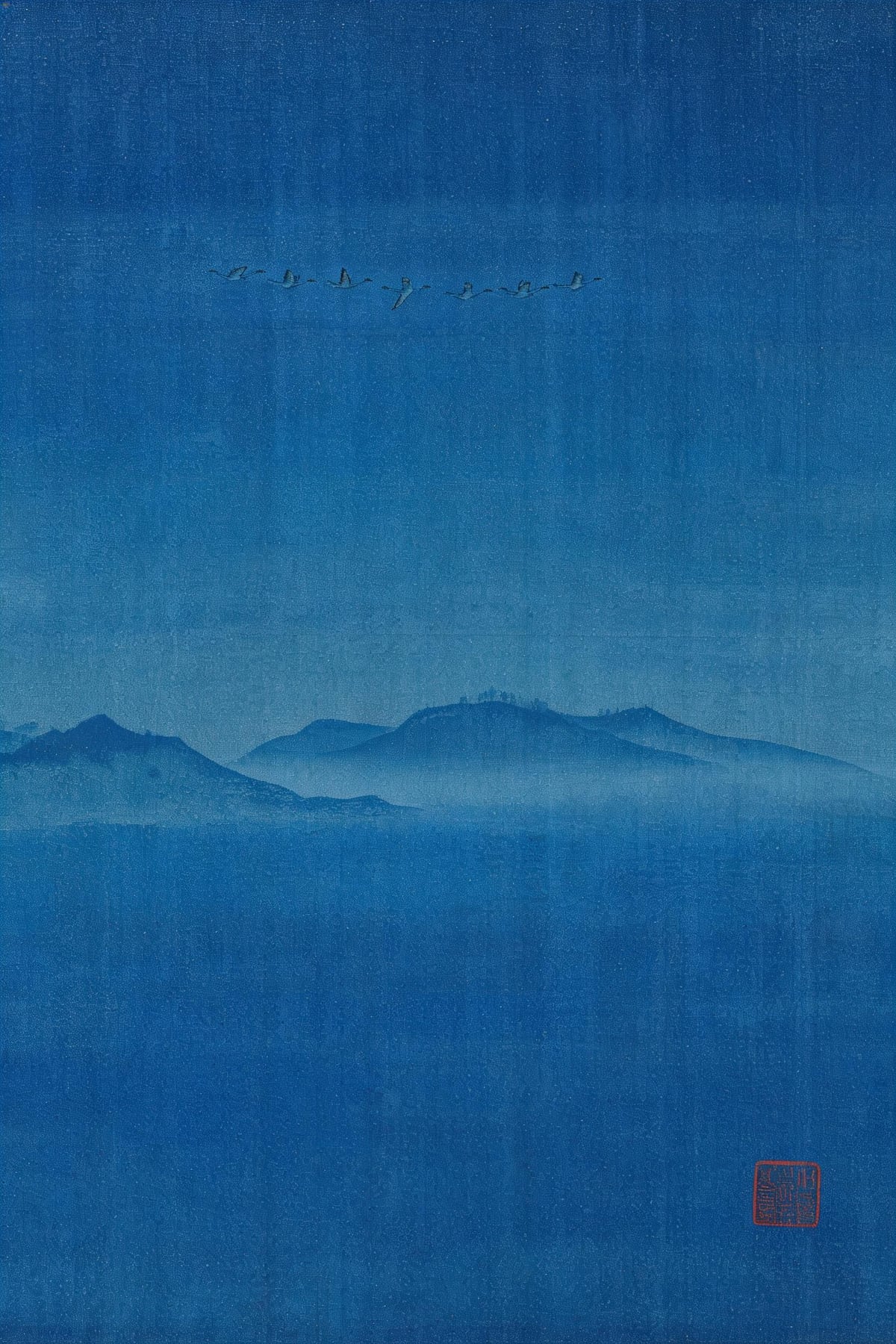
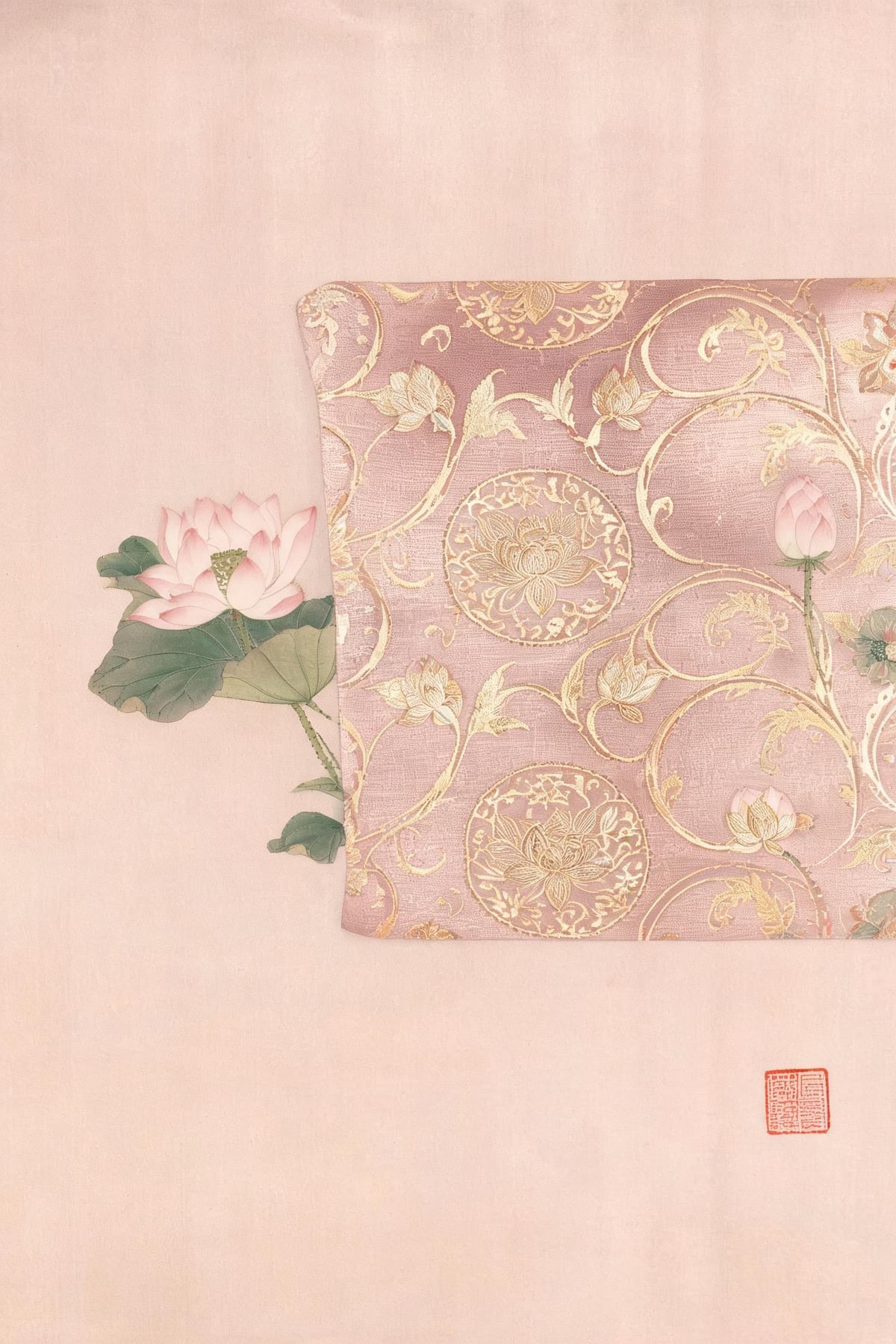
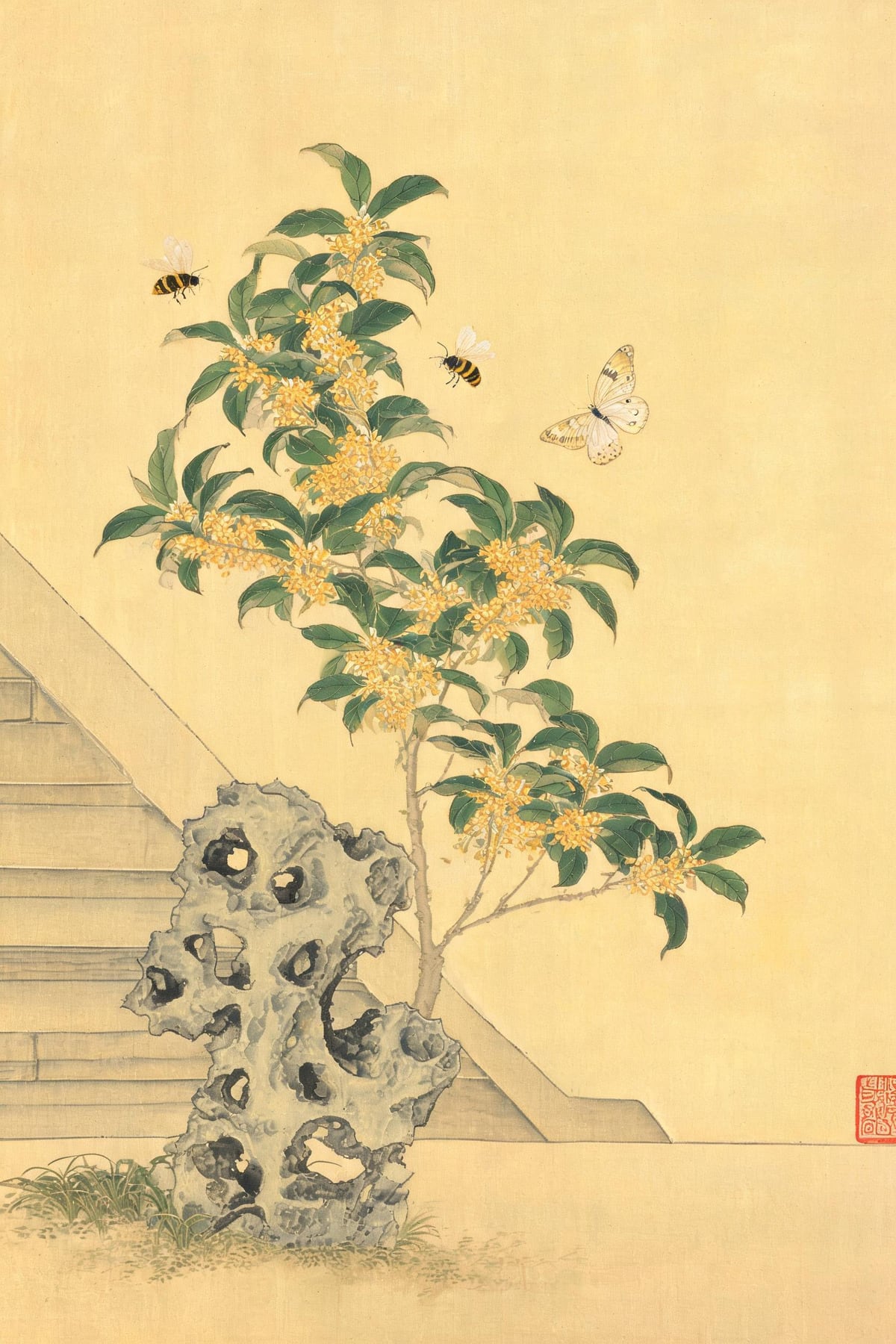
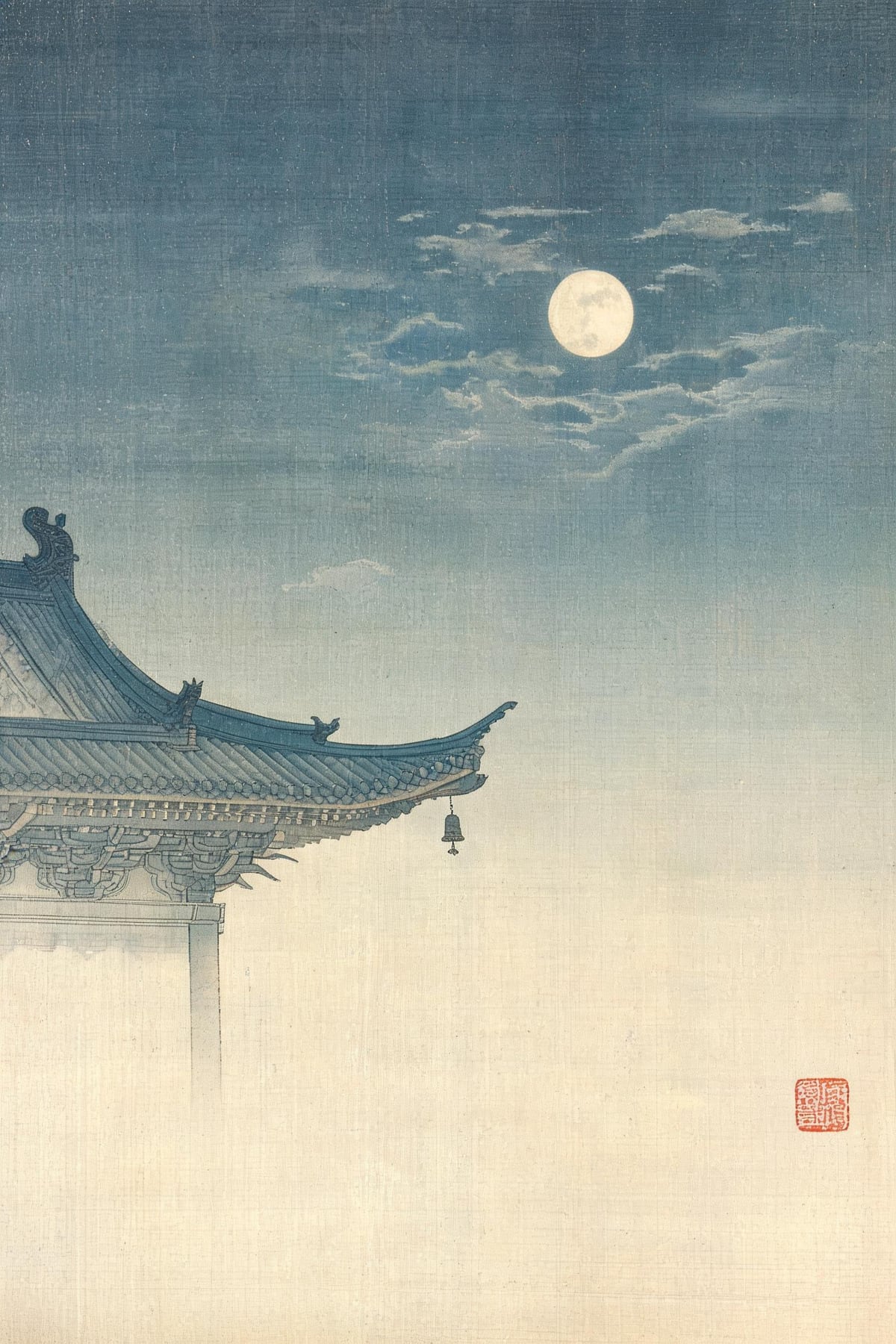
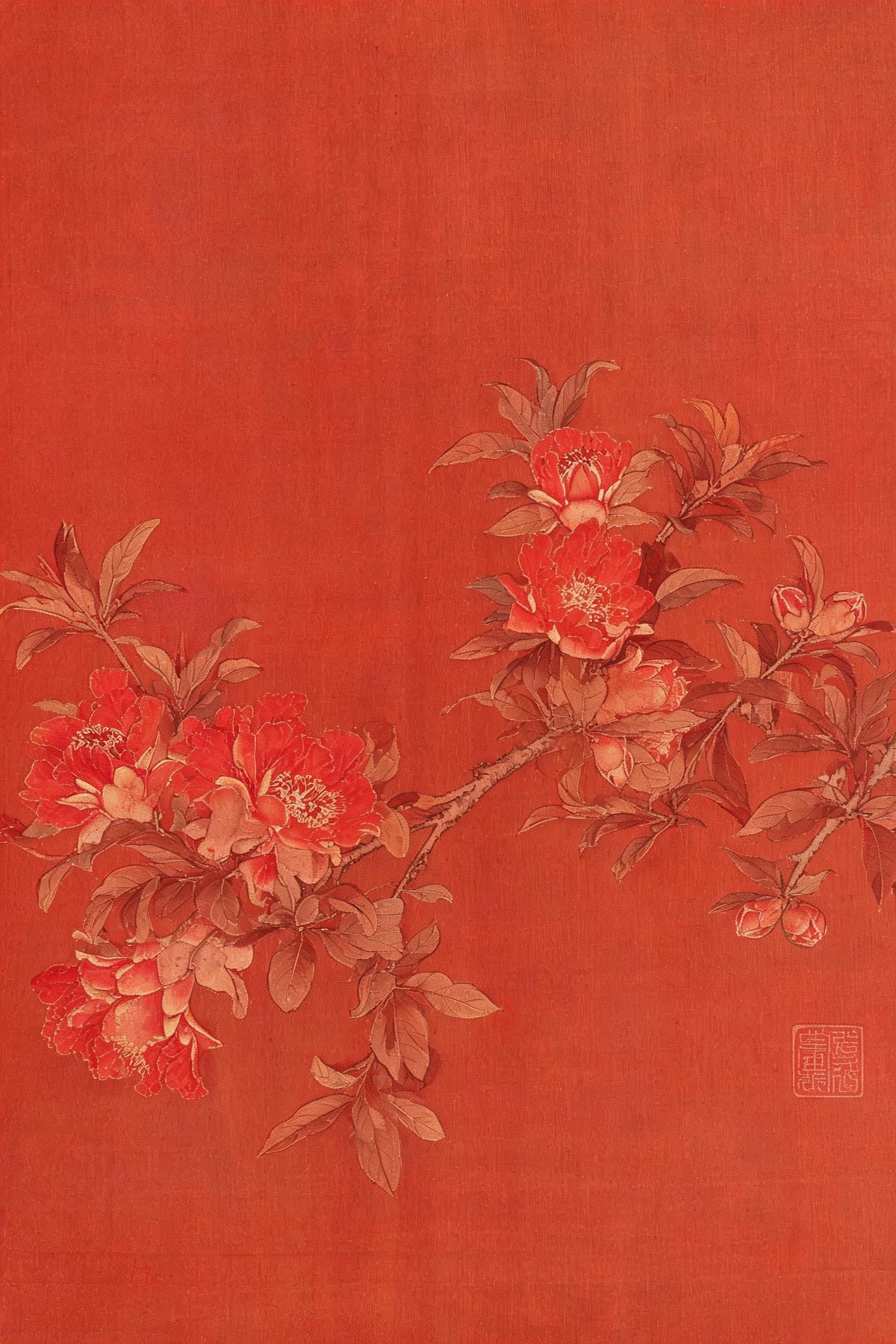
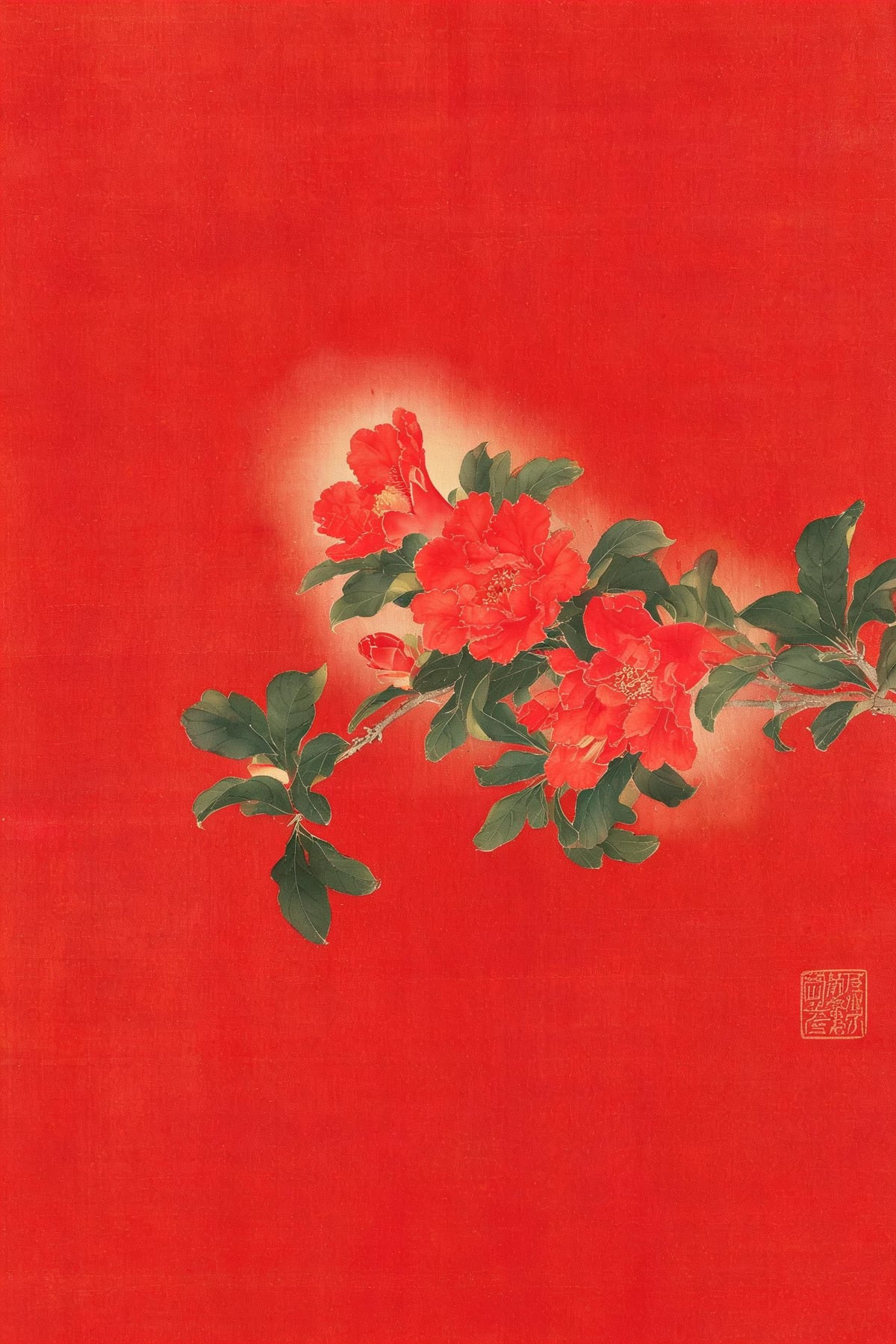
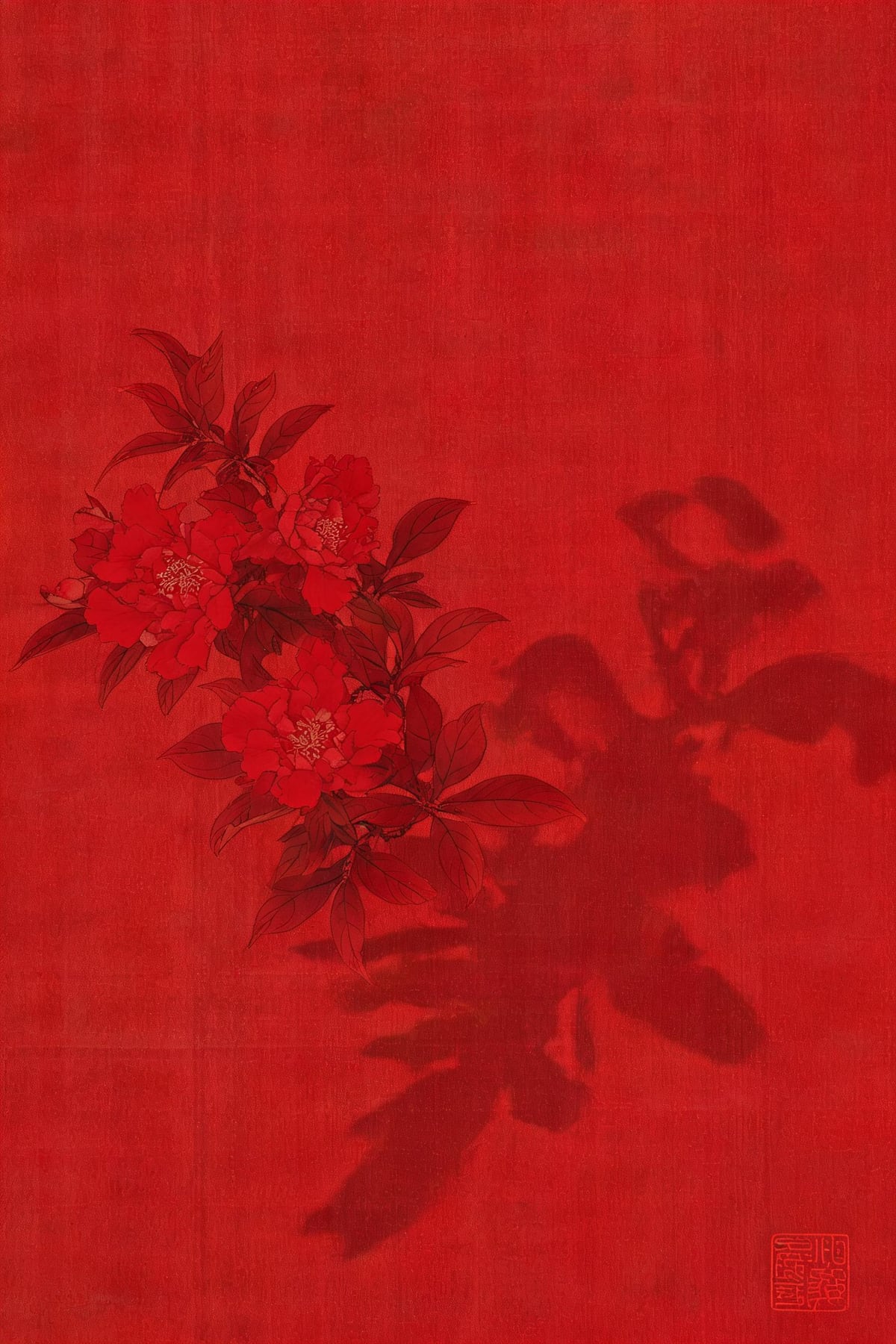
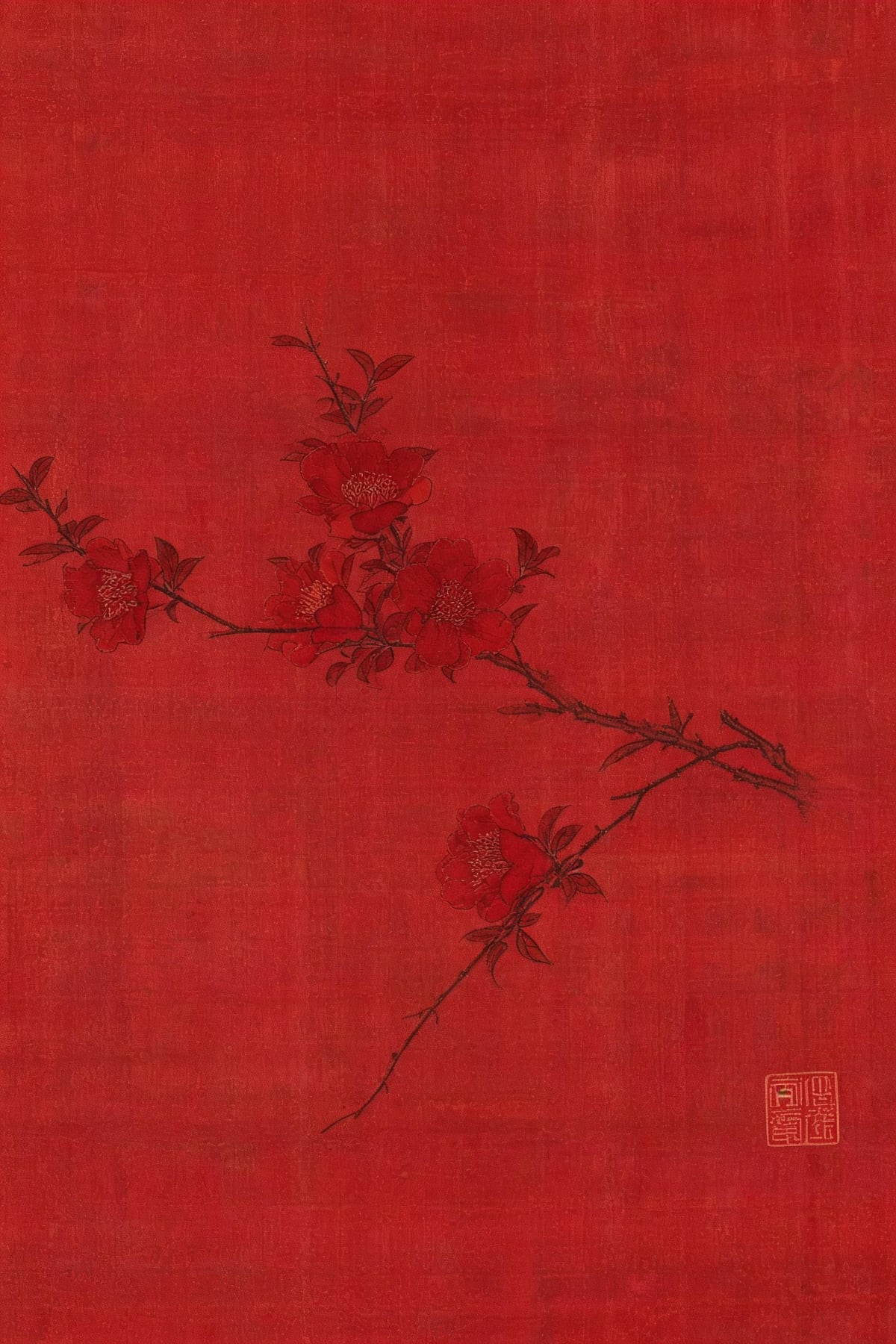
- Its own illustration — a Chinese painting matched to the swatch by dominant-colour cluster.
- The work it was recorded in, so a designer can cite it and an editor can fact-check it.
 |
 |
 |
Ordered, not just listed
You don't pick one Chinese colour out of 161. You take a solar term and get four chosen to be used together, in order. Summer Solstice runs 赩炽 → 石榴裙 → 朱湛 → 大繎 — Blazing Red, Pomegranate Skirt, Deep Vermilion, Great Crimson: a single red line descending from the sun's full height to the dye-pot's depth.
 |
 |
 |
 |
Pick a term, and you get a palette with a beginning, a middle and an end. That is a sequence, not a swatch grid.
Measured, not asserted
For the 96 solar-term colours we compute the nearest international equivalent and publish the error, as an OKLab perceptual distance (ΔE):
- Pantone: 96/96 within ΔE 6 — median 2.1
- CSS named colours: 44/96
- Brand colours: 16/96
Take 天青 (Ru-Kiln Sky), the sky-after-rain celadon of Song-dynasty Ru ware: #78C0C0, nearest Pantone aqua-sky at ΔE 0.012, nearest CSS mediumturquoise at ΔE 0.052 — with the glaze it is sampled from named on the card.
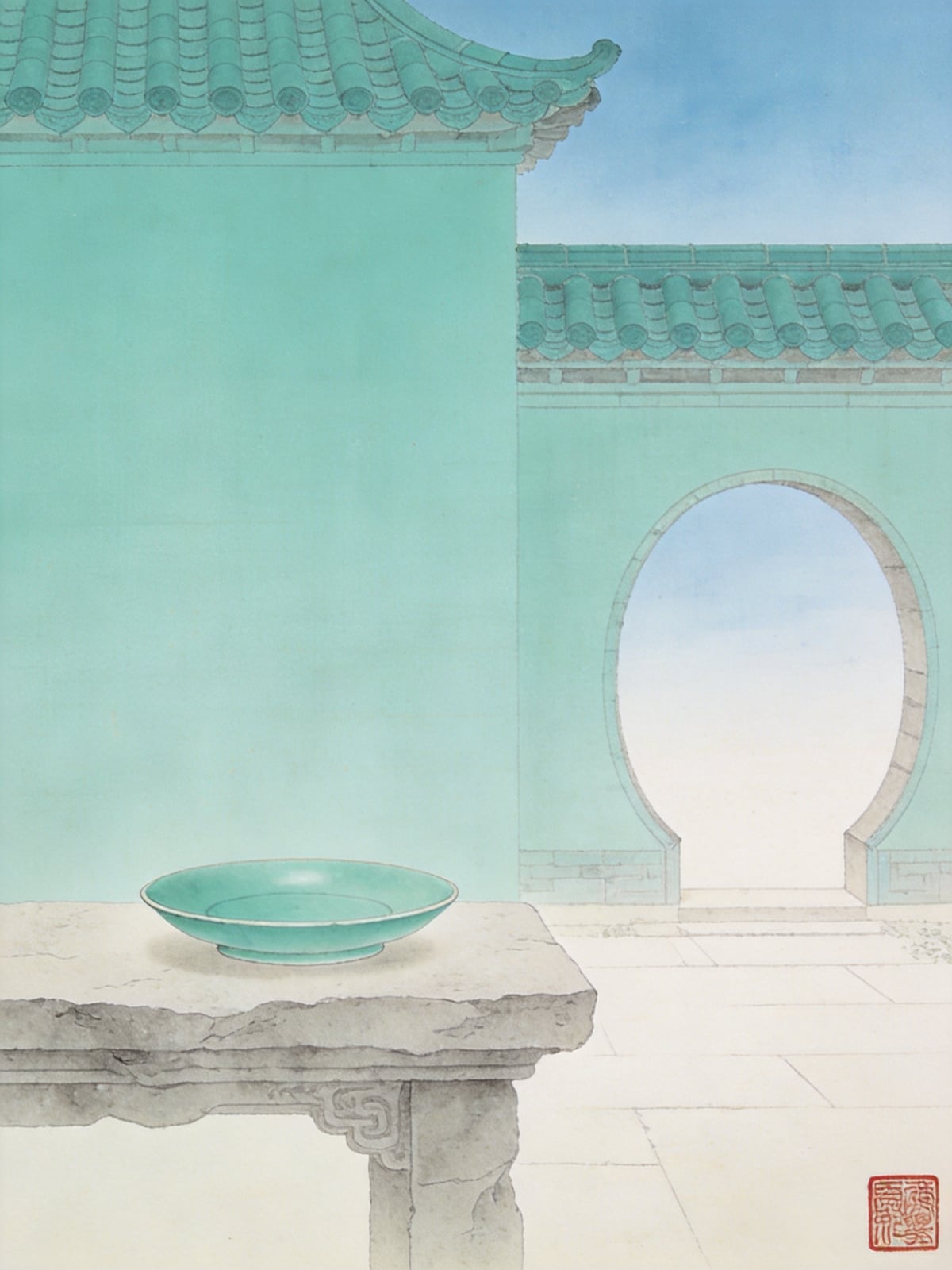
(Pantone and CSS matches are nearest perceptual matches, not official colour references.)
Beyond the browser
The card is the front door, not the whole building:
- In the browser — browse and search all 161 colours, and copy the hex.
- In your own tools — a REST API serves the whole library as JSON; a free API key from your YIVA account unlocks it.
- In your AI assistant — the YIVA MCP server lets Claude, Cursor or Codex read the library directly.
- In your design file — the Figma plugin inserts swatches, or writes the whole set out as paint styles.
Try it now
The colour card is free, and it needs no account. Open it, search for a colour, and copy the hex.
Use it as a working tool — search, copy, check how close a colour sits to Pantone. Or use it as something to read: pick any colour and follow the line it came from. Both are the point.
Browse the Chinese Color Card →
See all 161 colours → · Connect the MCP server → · Use the REST API →